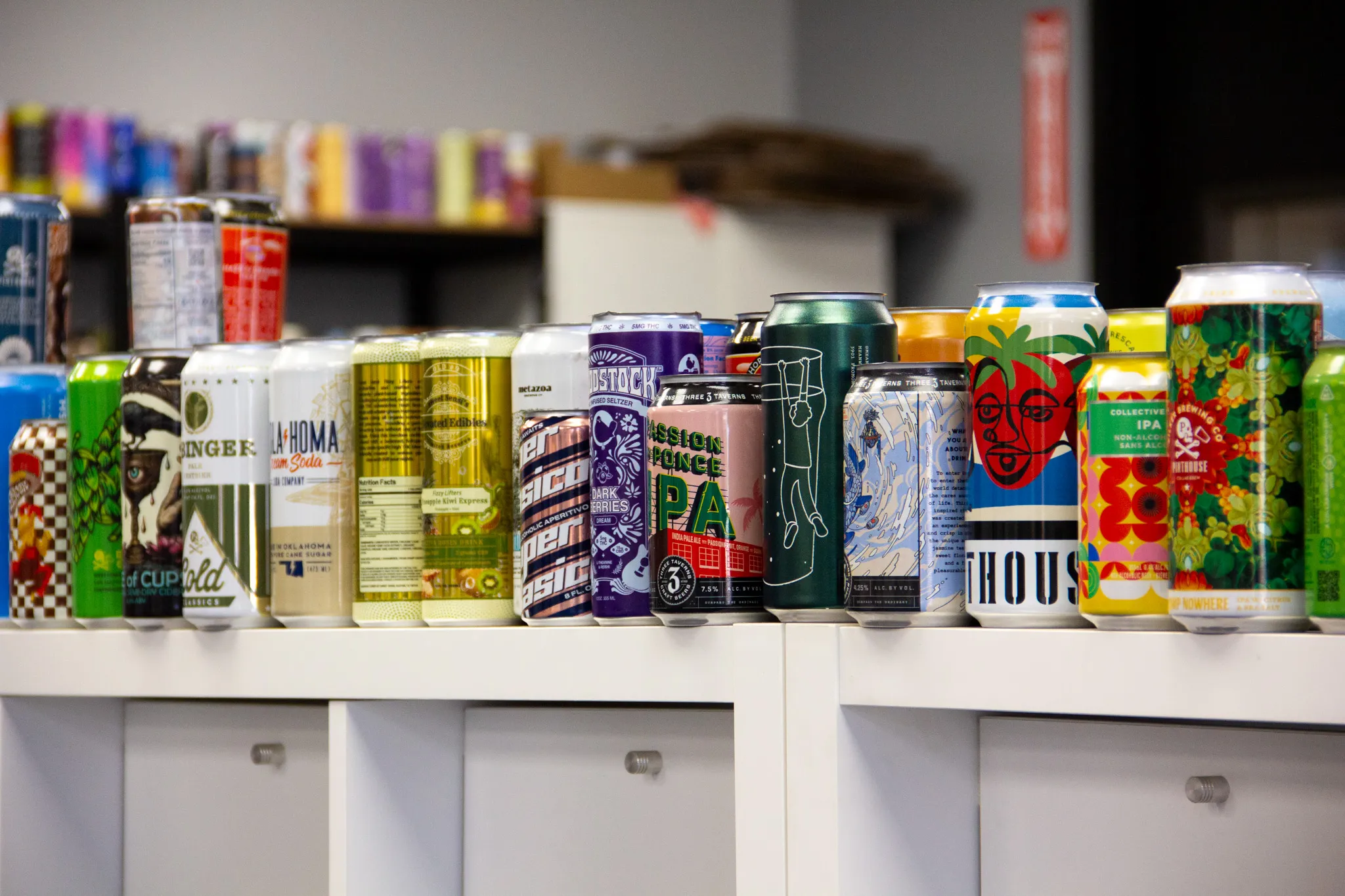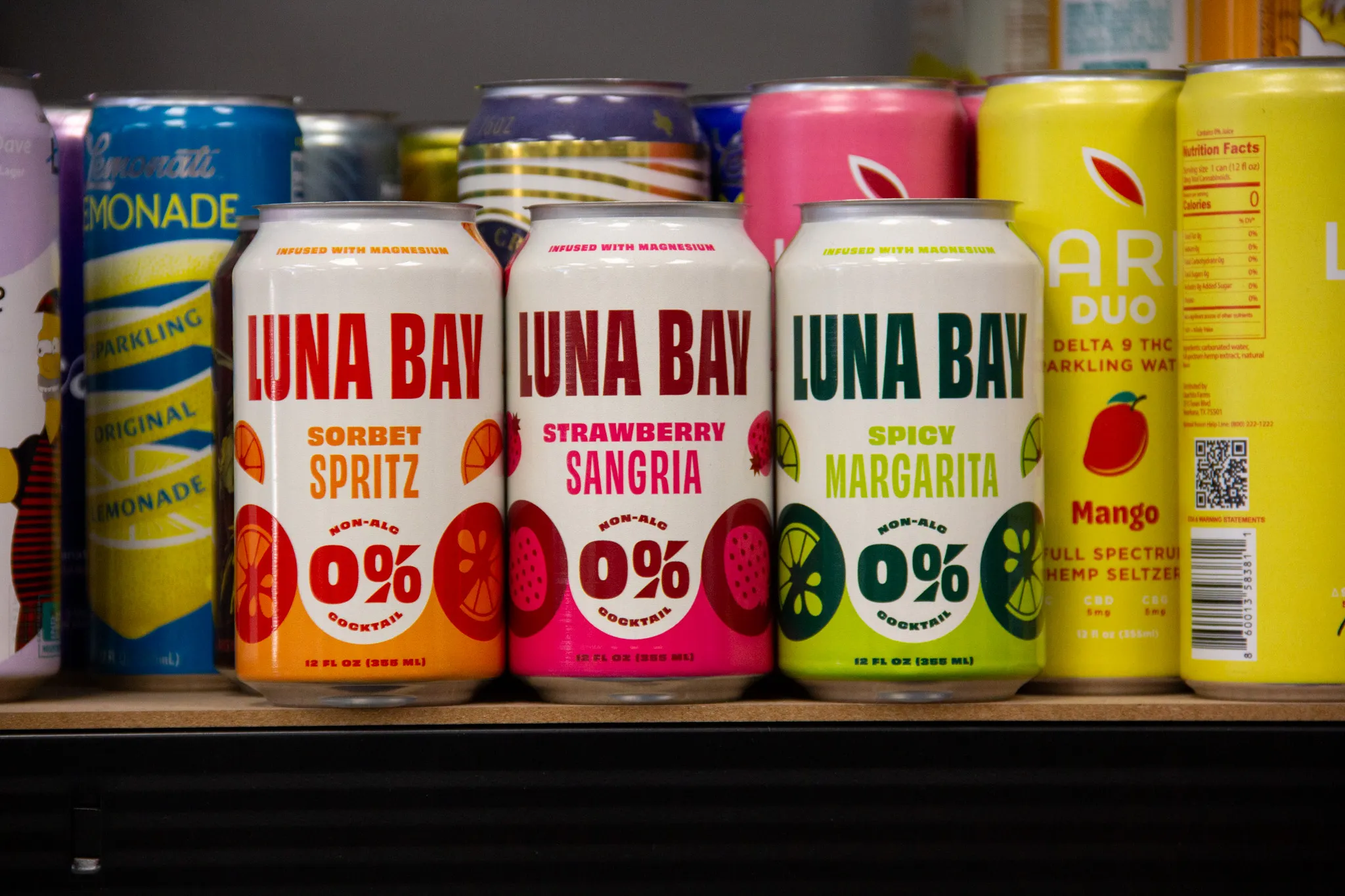
Start With the Can, Not the Canvas
Unlike flat packaging or labels, a beverage can is a curved, reflective, metallic surface. Artwork should be designed with the physical can in mind from the very beginning.
Key things to consider:
- The can is cylindrical, not flat
- Viewers rarely see the entire design at once
- Natural aluminum may be visible as part of the design
- Highlights and reflections affect perceived color
Designing “to the can” rather than adapting flat artwork later will almost always produce a better final result.
Use the Correct Can Template
Canworks provides can-specific dielines based on the exact can size and format being printed (e.g., 12oz sleek, 16oz standard, etc.). These templates define:
- Total printable area
- Top and bottom margins
- Seam and non-print zones
- Safe areas for text and critical graphics
Always start your design using the provided template. Avoid resizing artwork from a different can format, as even small dimensional differences can cause misalignment or distortion once printed.
Color Setup: Designing for Aluminum
One of the most important differences between digital can printing and labels or sleeves is the substrate itself. Aluminum is reflective and non-white, which affects how color appears.
CMYK Is the Standard
Artwork should be built in CMYK unless Canworks specifically advises otherwise. RGB files will need to be converted, which can cause color shifts if not handled intentionally.
White Ink Considerations
Digital can printing often uses white ink as a base layer. White can be applied:
- Under the entire design (for maximum color saturation)
- Selectively (to let aluminum show through)
- Not at all (for a fully metallic look)
Designers should explicitly define where white ink is needed rather than assuming it will be applied automatically.
Metallic Effects
Natural aluminum can be used creatively as part of the design. Areas without white ink will appear metallic, which can be stunning—but also unpredictable if not planned carefully. It can also negatively affect adhesion.
Resolution and File Quality
Digital printing is unforgiving when it comes to low-resolution artwork. What looks “good enough” on a screen may not hold up when printed at full size on metal.
Best practices include:
- 700 DPI at final print size
- Vector artwork for logos and text whenever possible
- Flattened transparencies where appropriate
- Clean gradients without banding
Avoid rasterizing text or logos unless absolutely necessary.
Fonts, Text, and Readability
Because cans are curved and often viewed at arm’s length—or from a cooler—legibility matters.
Tips for text on digital cans:
- Avoid ultra-thin fonts
- Keep text sizes comfortably readable
- Increase tracking slightly for small type
- Use high contrast between text and background
If your design includes regulatory text, ingredients, or legal copy, make sure it stays within safe zones and meets minimum size requirements.
Barcodes and Compliance Elements
Barcodes can be printed directly on digitally printed cans, but they must be set up correctly.
Key considerations:
- Use solid, high-contrast colors. Ideally black and white.
- Avoid placing barcodes over metallic or textured backgrounds
- Vertical tends to work better than horizontal
- Test scannability before final approval
Canworks can advise on optimal placement to ensure barcodes scan reliably at retail.
Proofing: Digital vs. Reality
Digital proofs are extremely accurate, but they are still representations of a physical product. Aluminum reflectivity, lighting conditions, and ink interaction all influence final appearance.
Best practice is to:
- Review proofs carefully for layout and content
- Pay special attention to metallic areas
- Confirm white ink usage
- Ask questions before approval
If color accuracy is mission-critical, discuss physical proofing or reference standards with the Canworks team.
Common Artwork Mistakes to Avoid
Some issues show up again and again in digital can projects:
- Designing for labels or sleeves instead of direct print
- Assuming aluminum behaves like white paper
- Using low-resolution background images
- Placing fine text over metallic areas
Avoiding these pitfalls upfront saves time, cost, and frustration.
Collaboration Is Part of the Process
One of the advantages of working with a digital can printer like Canworks is access to a team that understands both design and production. Early collaboration often leads to better results.
Before finalizing artwork, it’s worth asking:
- Is white ink needed everywhere?
- Will this gradient hold up on aluminum?
- Is this text readable on a curved surface?
- Is there a better way to use the metallic finish?
These conversations typically improve the final product—not constrain creativity.
Designing With Confidence
Digital can printing removes many of the barriers that once made custom cans expensive and slow. But great results still start with thoughtful artwork preparation.
By designing specifically for aluminum, respecting the physical realities of the can, and collaborating closely with the Canworks team, brands can fully take advantage of what digital printing offers: speed, flexibility, and striking shelf presence.